
Generic contact forms do not capture the information a bank needs to act on an inquiry. The SiteViz Banking Online Submission Forms module lets your team build custom forms for any purpose, from simple contact requests to multi-step mortgage applications that accept payments, all within your existing website and brand.
Every submission triggers an instant email notification to the relevant staff. Submissions are stored in the platform, viewable on screen, and exportable as CSV or PDF.
Administrators can view any submission directly in the platform or as a PDF, without needing to search through email inboxes or external systems.
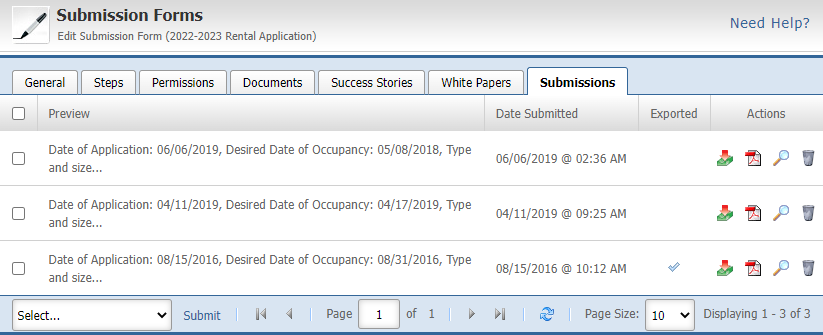
Filter submissions by date, form type, or status and export the data to Excel for further processing. Useful for loan pipeline tracking, compliance reporting, or any workflow that requires submission data outside the platform.

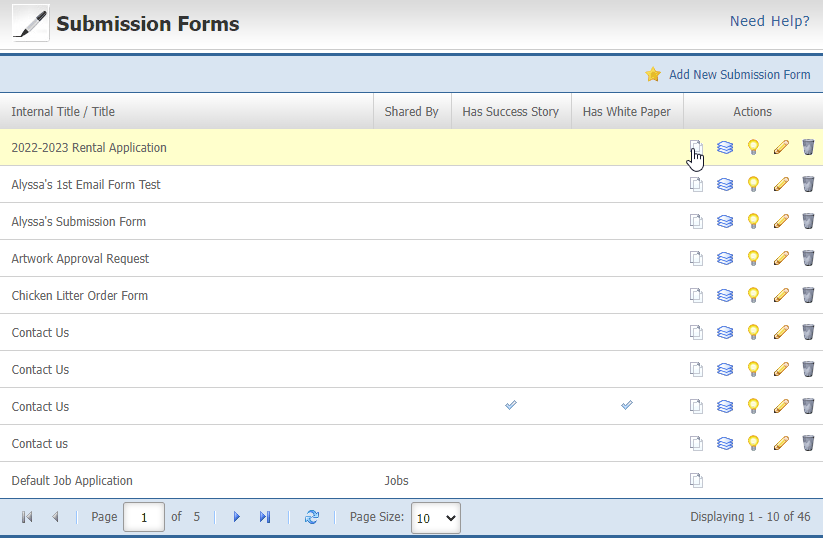
Copy any existing form and modify it rather than building from scratch. Useful when creating product-specific variations of a standard application or inquiry form.
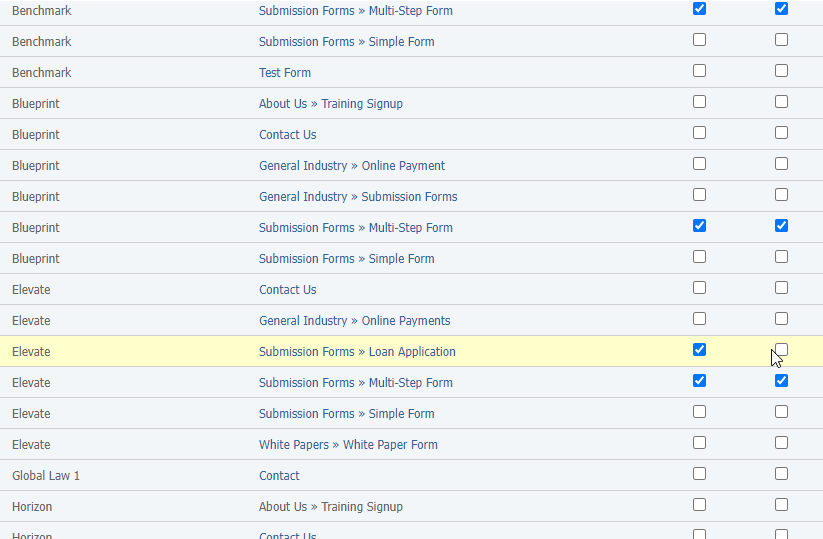
A single form can be published across multiple pages simultaneously. A loan inquiry form built once can appear on your mortgage page, your rates page, and any relevant product page without duplication of effort.
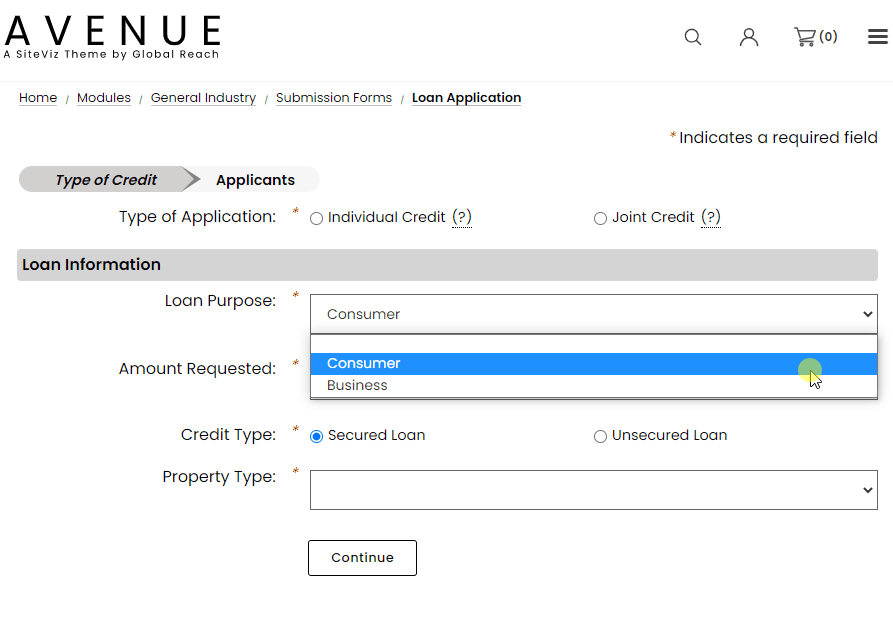
Show or hide fields based on a visitor's previous answers. A borrower who selects "home purchase" sees different follow-up questions than one who selects "refinance," keeping forms relevant and reducing unnecessary friction.
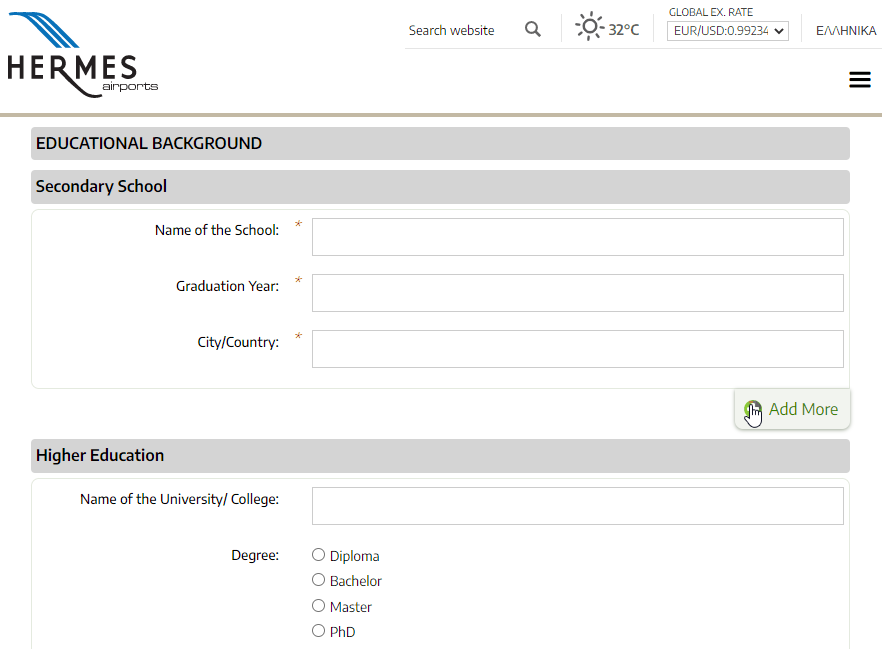
Capture repeating information, such as multiple previous addresses or employment history, within a single form without requiring separate fields for each instance.
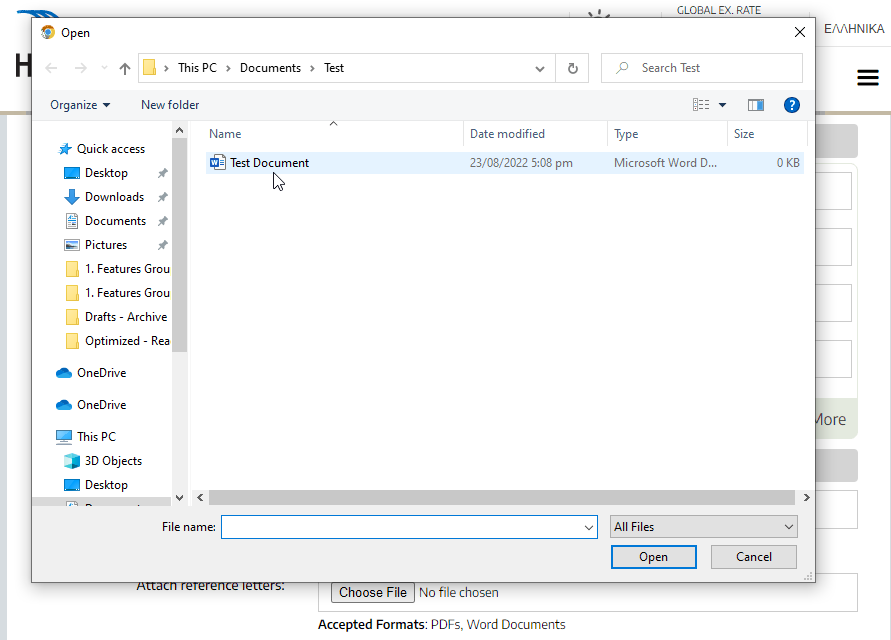
Attach supporting documents directly to a form, such as disclosure requirements, instructions, or regulatory notices, so applicants have the context they need before they submit.
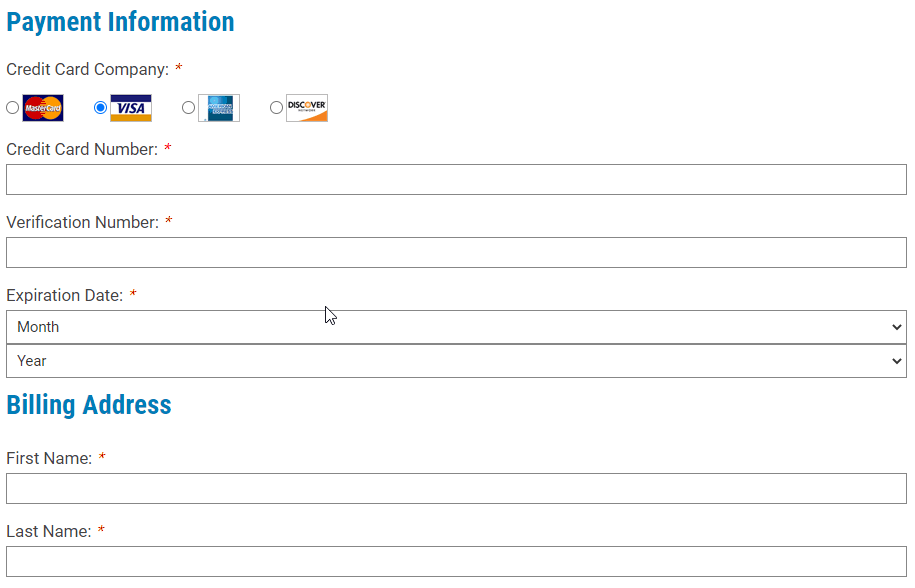
Forms can be configured to accept payments directly. Suitable for loan application fees, membership contributions, community donations, or any other payment your institution collects through its website.
Create an unlimited number of form fields choosing from Standard Fields, Advanced Fields, and Separators.
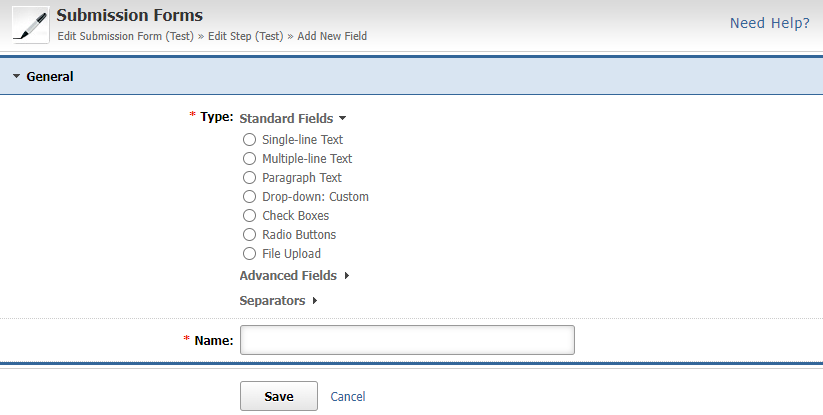
Standard fields are to be used when asking for input/answers to questions from your users. They include Single-line Text, Multiple-line Text, Paragraph Text, Drop-down Answers, Check Boxes, Radio Buttons, and File Upload.
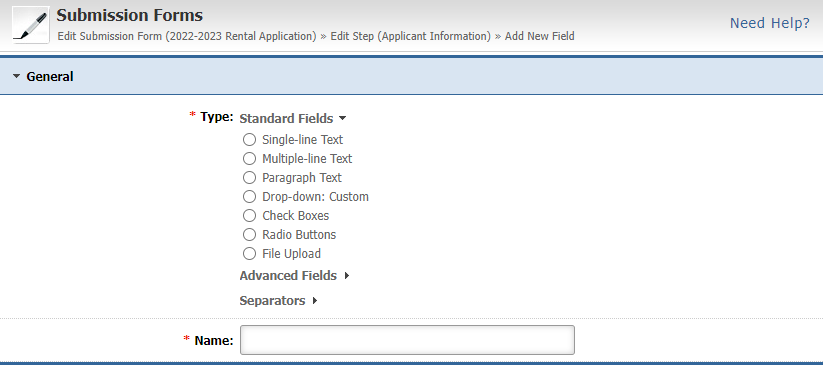
Advanced fields are very similar to Standard fields, but they offer more advanced pre-defined selections that can make data input a lot easier. They include Date, Country Drop Down, State Drop Down, and a Signature field that a user can draw online.

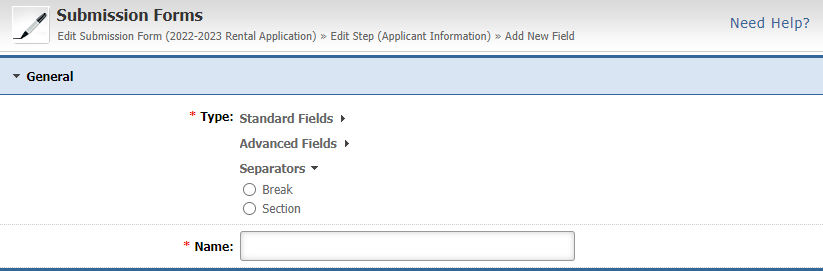
Separator fields allow you to enter a break in your submission form either in the form of a simple separator or a section, allowing you to organize its structure more effectively and make it easier for your visitors to fill it out.
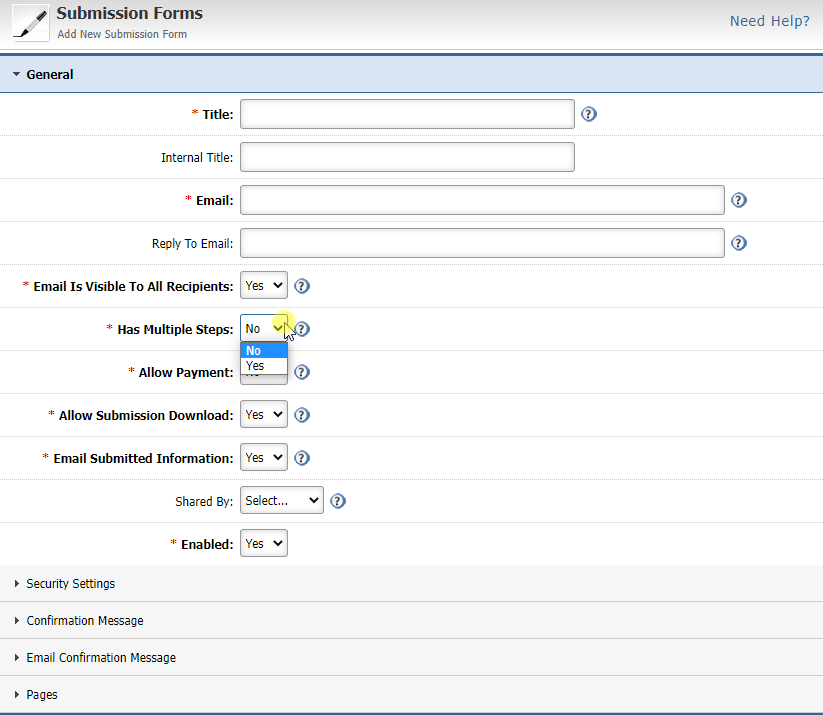
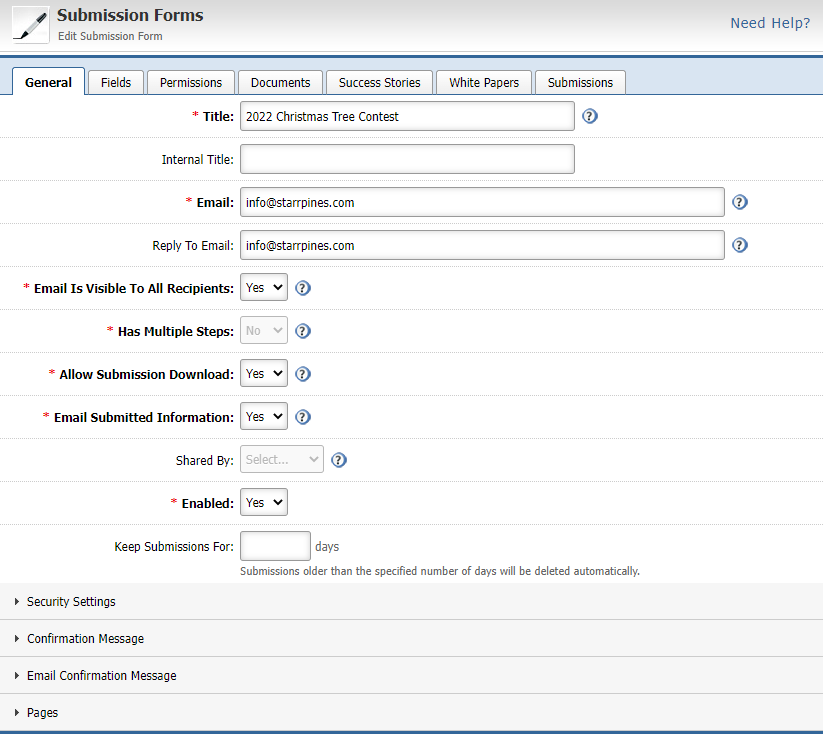
You can define if a Submission Form has multiple steps so that you can organize its structure more effectively and make it easier for your visitors to fill it out.
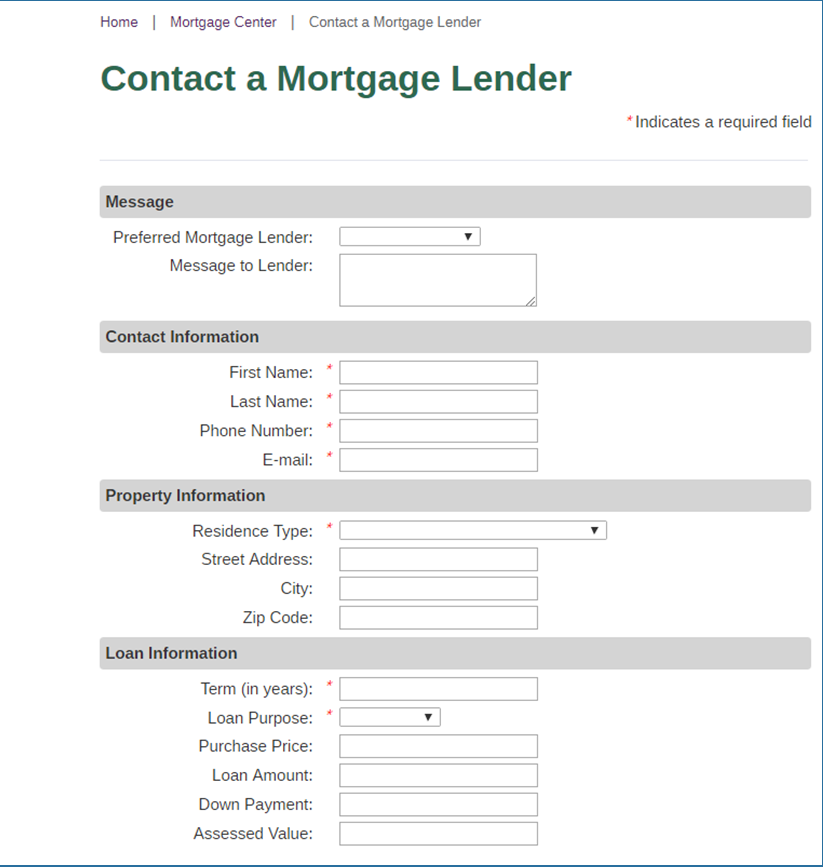
Build mortgage inquiry and contact forms with as many fields as your process requires. Forms are configured within the platform and go live on your site without developer involvement.
Mark any field as encrypted to protect sensitive applicant data at the database level. Encrypted data is not transmitted via email and is only accessible to authorised administrators, supporting your institution's data security obligations.
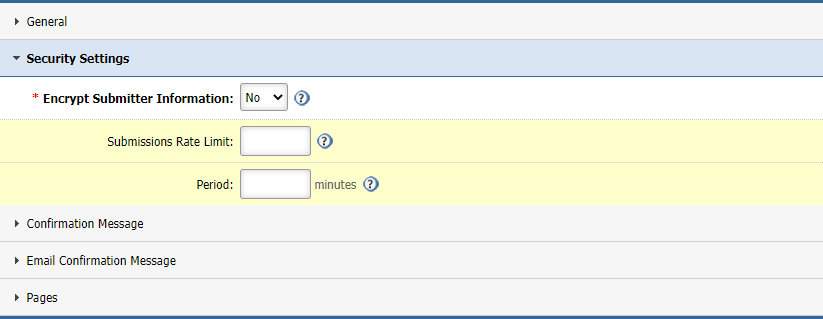
Set automatic data deletion rules for forms that collect personal information. Supports compliance with data retention obligations by removing submission data once it is no longer needed for its original purpose.
Add a consent confirmation field to any form. The record of consent is captured and retained within the platform, providing documented proof that the visitor agreed to provide their personal data at the time of submission.


Seeing is believing. Contact us today for a personal demonstration and discover what SiteViz CMS can do for you!
Keep up-to-date with the latest in the industry so your business can stay ahead of the game.