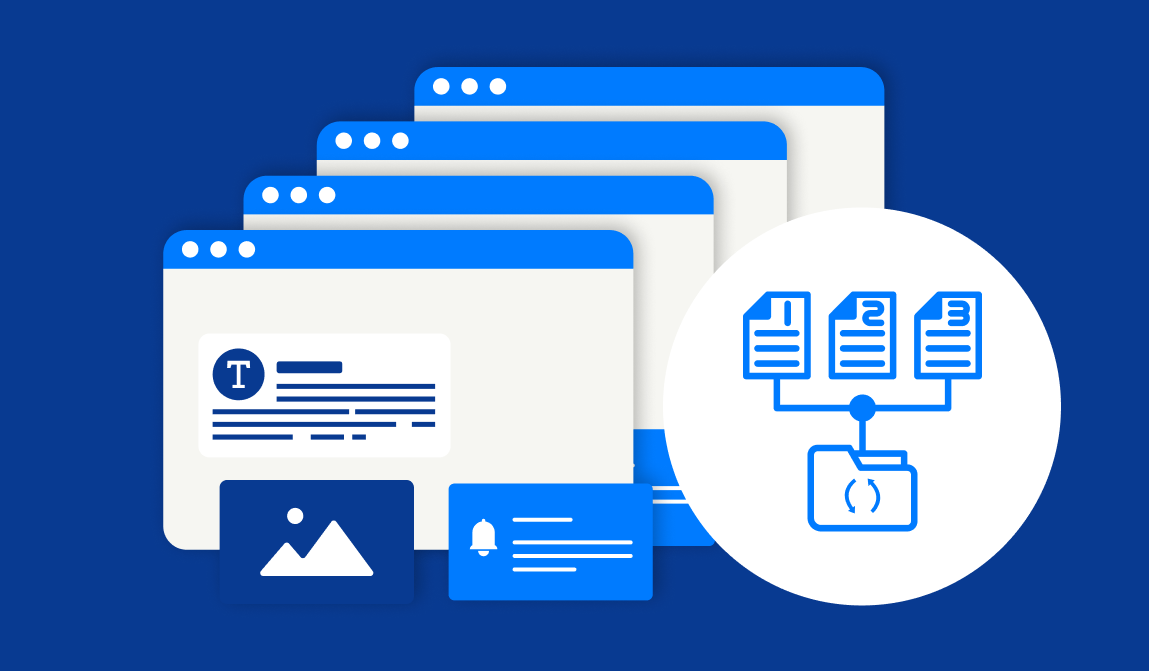
A rate published with the wrong figure, a news post that went live before it was approved, a staff profile updated with incorrect information: these are routine publishing situations at any community bank with a small marketing team. SiteViz Banking saves previous versions of every static page. When an error goes live, any authorized user can restore the previous version immediately through the CMS interface, without a support ticket, without a developer, and without the page staying incorrect while you wait for help.
A bank marketing manager who has published a mistake and had no quick way to fix it will do one of two things: route future updates through a vendor to avoid the risk, or avoid making updates altogether. Both outcomes slow down the site and increase the cost of keeping it current. Version Control removes the consequence that creates that hesitation. Your team can publish with confidence that an error is recoverable, which means updates happen faster and vendor dependency stays lower.
For a community bank whose website displays rates, regulatory disclosures, and product information that changes regularly, the ability to correct a live error in minutes rather than hours is directly relevant to how the site is managed day to day.
When more than one person has CMS access, the risk of an unreviewed or premature publish increases. Version Control works alongside the Advanced Permissions system to give your team a recovery option when a change goes live that should not have. An administrator who can restore a previous version immediately does not need to wait for a developer to intervene or escalate to IT.
For institutions managing multiple sites or branches, the same rollback capability applies across all properties on the platform.
Previous versions are stored in the CMS and accessible immediately. An authorized user can restore a prior version of any static page through the interface without a support call. The rollback takes effect as soon as it is applied.
Version Control covers static content managed through the CMS.
Advanced Permissions controls who can create, review, approve, and publish content. Version Control provides a recovery mechanism when a published page needs to be reverted. The two features work together: permissions reduce the likelihood of an unauthorized publish, and version control provides the recovery option when one occurs despite the workflow.
Access to version history follows the same permission structure as other CMS functions. Your administrator can determine which roles have rollback access as part of the overall permissions configuration.
The 30-minute demo includes a walkthrough of the editing interface, the permissions system, and version control. Book a time to see how publishing and recovery work in practice.
Keep up-to-date with the latest in the industry so your business can stay ahead of the game.